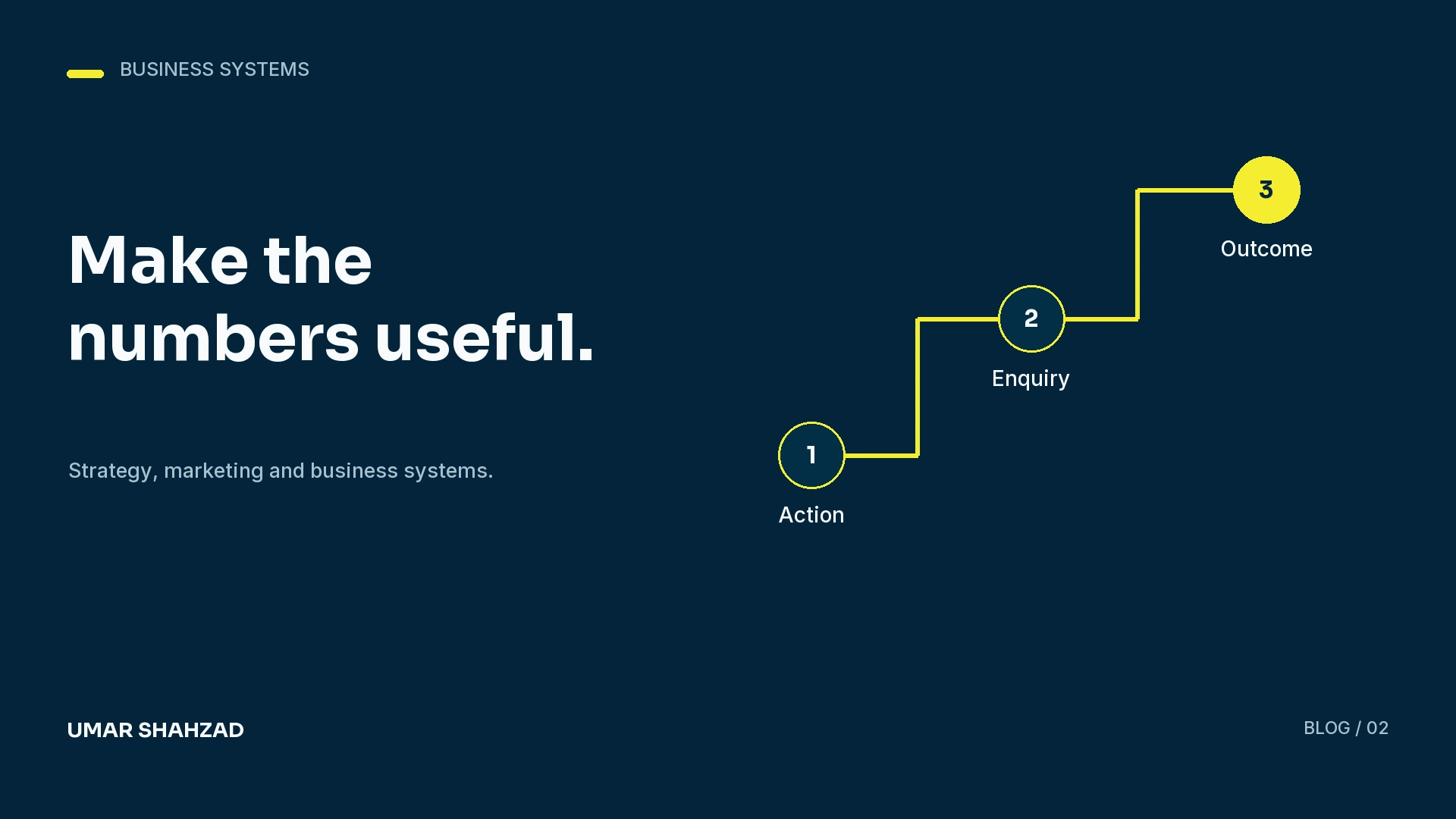
Google Ads shows conversions. GA4 shows key events. The CRM shows enquiries. The figures differ, and the team starts debating which dashboard is correct. Before changing a campaign, check whether these systems are counting the same action, for the same period, under the same rules.
A useful reporting setup connects advertising activity to customer outcomes. It also explains the differences between systems instead of hiding them behind one total.
Define the action before building the tag
A button click is not necessarily a successful enquiry. A form can fail validation, a visitor can abandon a phone call, and one customer can submit twice. Decide what each event represents before using it as a performance target.
For a lead form, I would normally distinguish the successful submission from an interaction with the submit button. The CRM then needs a separate definition for a suitable lead, appointment and completed sale. This prevents a reporting label from implying more than the event actually measures.
Google Analytics uses key events to identify important actions. Google Ads also distinguishes primary and secondary conversion actions. Review both the action setting and the campaign’s selected goal before assuming an event influences bidding.
Document five measurement decisions
- Trigger: the precise successful action that creates the event.
- Counting: how repeat actions, test leads and duplicate imports are handled.
- Destination: which platforms receive the event and under what name.
- Qualification: how the CRM records enquiry quality and progression.
- Time: the reporting period, time zone and attribution settings.
Keep this specification short enough for a developer, marketer and account owner to use together. A clear definition is more valuable than a long list of events nobody can interpret.
Test the complete enquiry path
Submit a recognisable test enquiry through the real form. Verify the success response, the event in the relevant debugging tools, the platform destination and the CRM record. Repeat on mobile and check the intended consent states. A successful desktop test does not establish that every visitor follows the same path.
Include failure tests. A validation error should not produce a successful-submission event. A page refresh should not create another lead unless that is the documented behaviour. Remove test records from operational reporting where appropriate.
Reconcile differences with a useful explanation
Platforms can use different attribution rules, dates and counting methods. Consent choices, blocked scripts, offline contact and repeat enquiries can also affect totals. Exact equality is not the goal; an explainable relationship is.
Review a consistent period and separate platform actions, website submissions, CRM enquiries and qualified opportunities. Where possible, use a stable enquiry identifier within your approved data handling arrangements. Investigate a sudden change in the relationship between counts before treating it as a campaign result.
Report what the business can act on
A weekly report should show spend, recorded actions, suitable enquiries and the next stage of the sales process. Add a short explanation of the main change and the decision it supports. Do not label a tracked action as revenue when the sale has not been recorded.
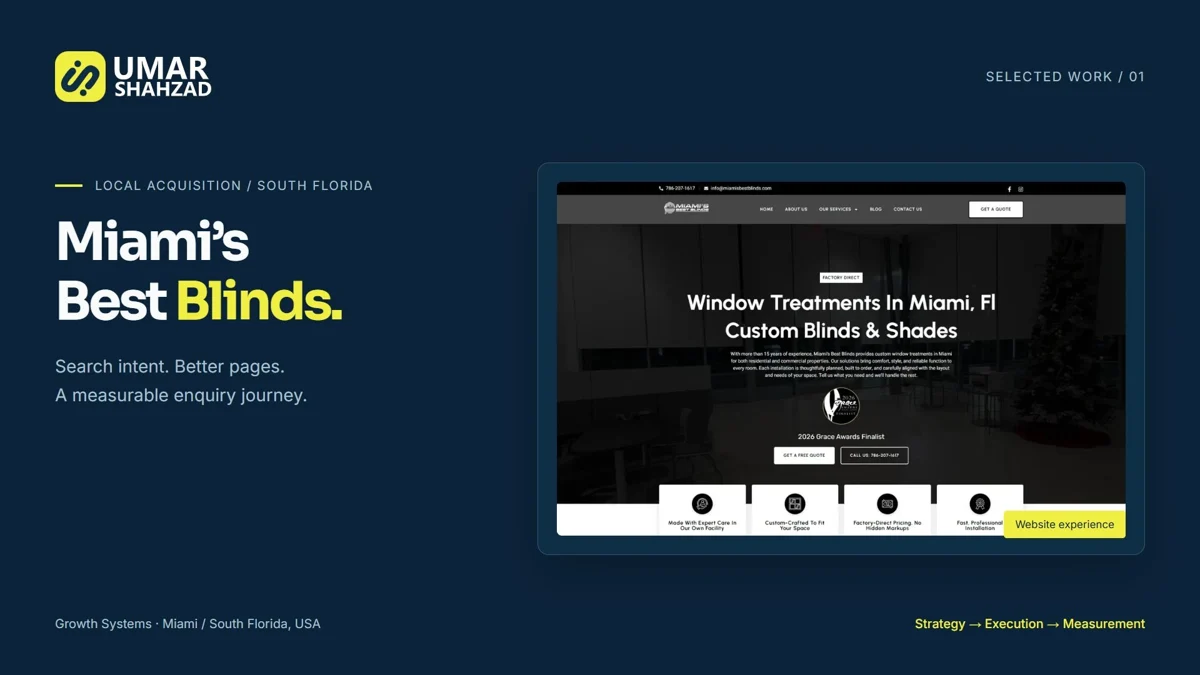
The Miami’s Best Blinds case study keeps conversion actions, reporting periods and advertising spend visible. That context makes the figures useful. The next step is to connect them to a dependable lead follow-up process.